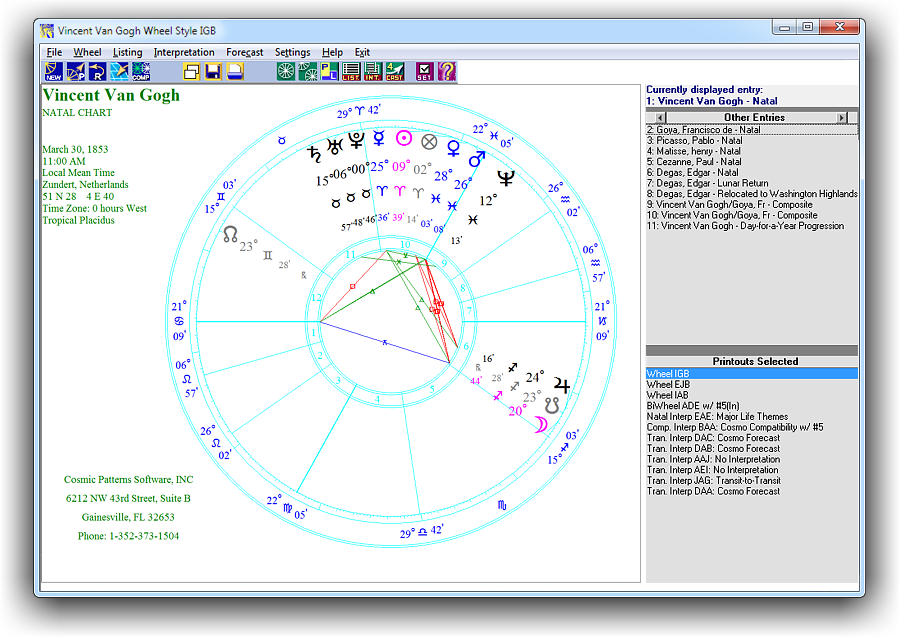
Pegasus Opening Window:
Pegasus opening window is similar to Kepler but with less feature. The opening window is where you start to run the program. You can either start a new list of charts or continue the previous batch.
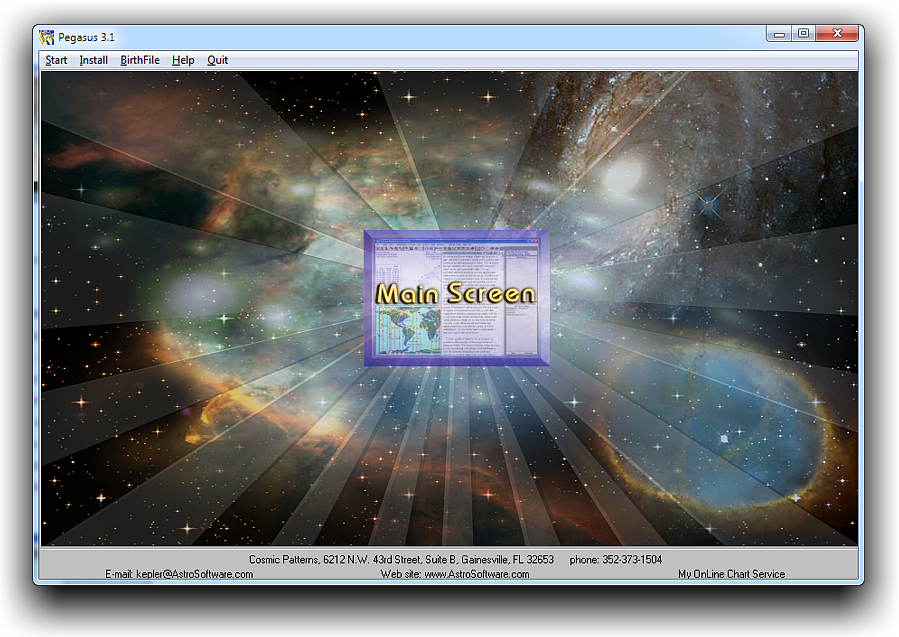
From the opening window, you can also click on the email link to contact us directly. You can also click on the link to visit our web site.
The opening window is where you install report options, backup or restore birth data, export or import birth data, export or import place data, and rebuild place data.

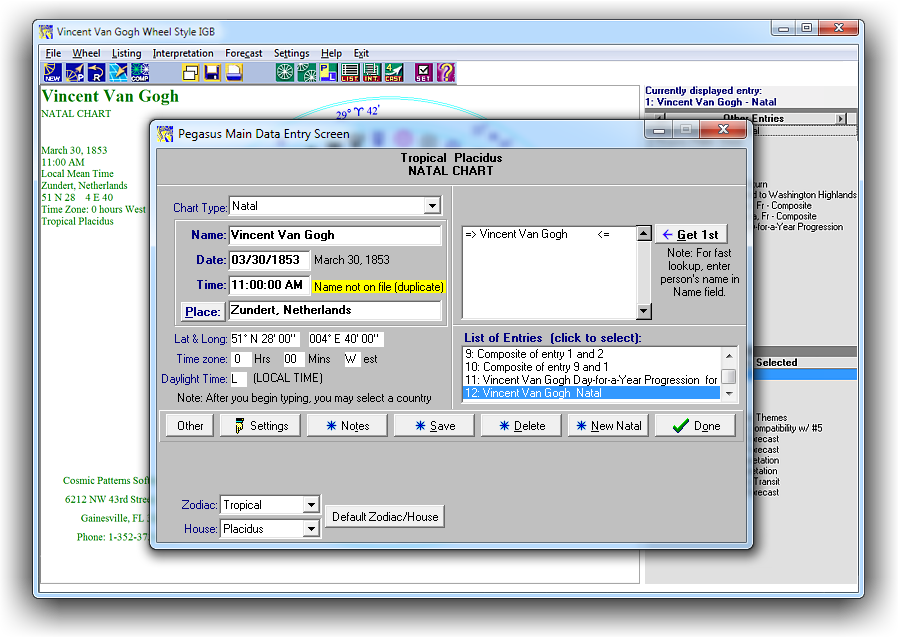
Main Data Entry Screen
On this screen you enter the person's name, date, time, and place of birth. After entering the birth data, or reading it from disk. The "Get Group" button is used to quickly read in a group of charts. Suppose, for example, that you are interested in viewing the chart wheels of a group of people, and don't want to enter their names one at a time. You can enter as many charts as you want from this window before your proceed to viewing the chart wheel on the screen.
Pegasus Main Window
The Pegasus Main Window is where you do all of your work: Go to the Main Data Entry screen to enter the birth data, view wheel on the screen, select printouts, print or save printouts to file, etc.